Customizable Filters based on band, clusters and custom telnet server configuration.
Web Server up to 3 PCs simultaneously
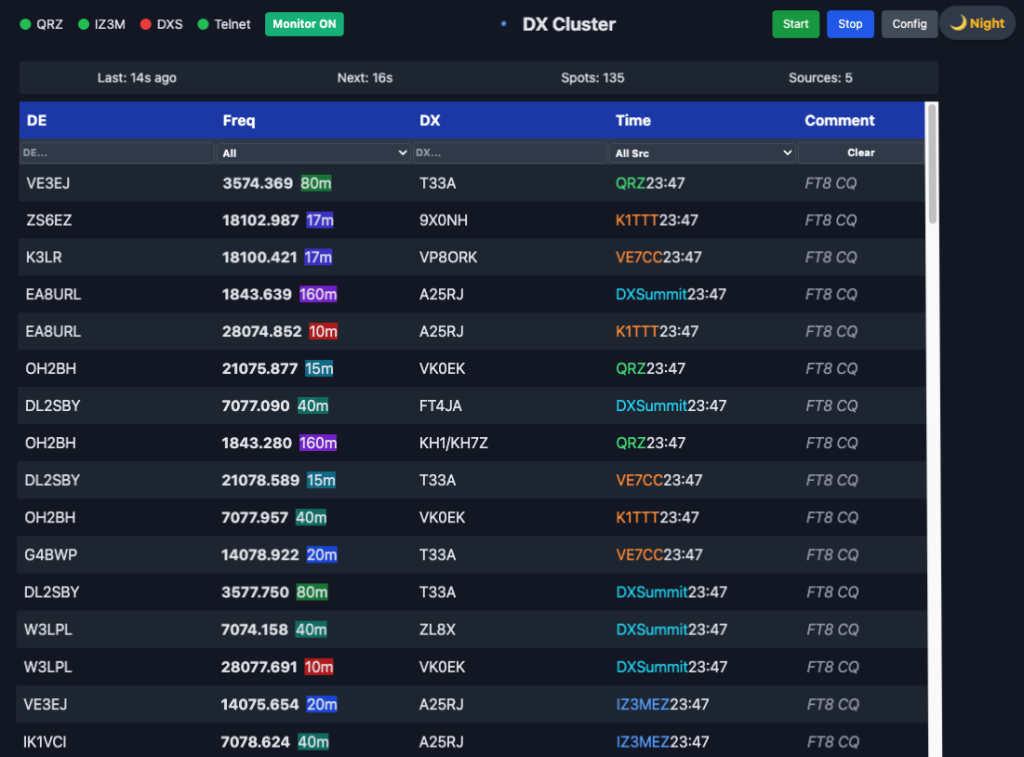
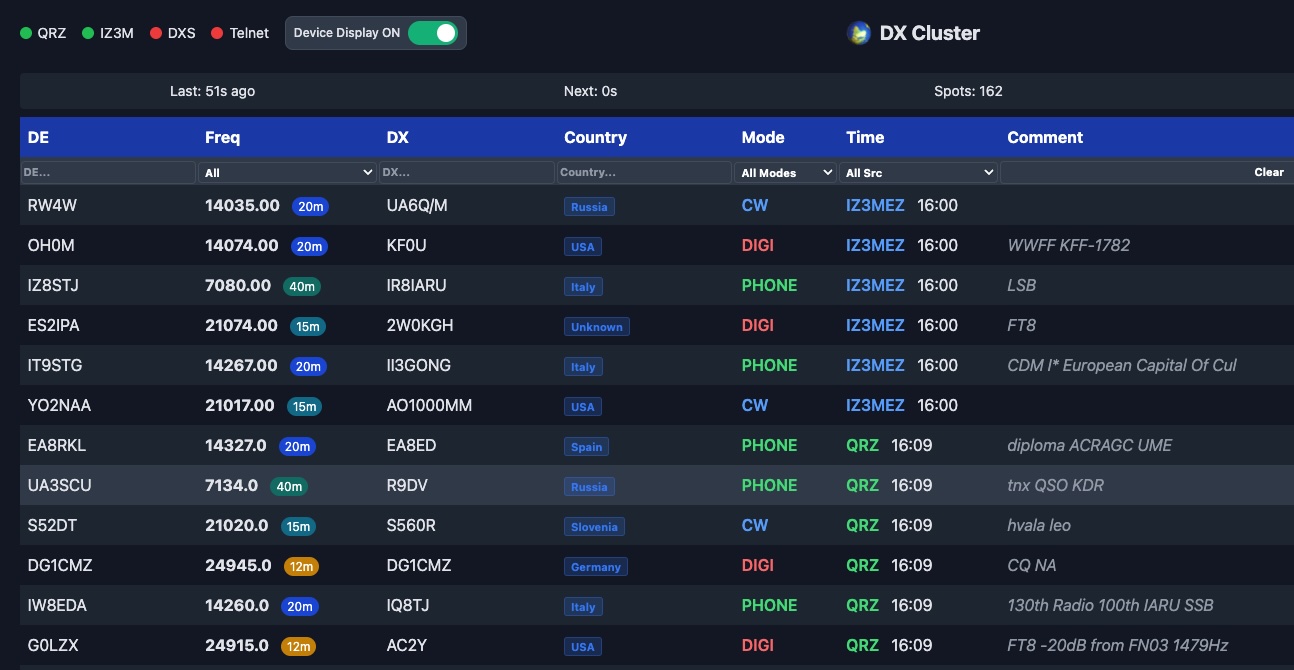
In addition to real-time viewing of current spots, the device publishes them on its integrated web server accessible via IP address, allowing up to 3 PCs to view them simultaneously, with customizable filtering on each computer.
DX CLUSTER
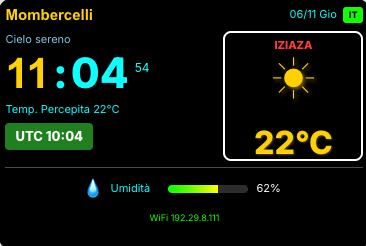
- MONITOR DEVICE -
01.
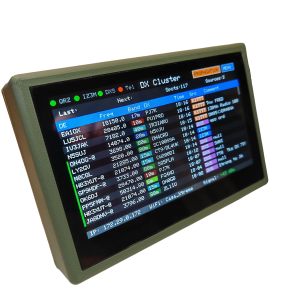
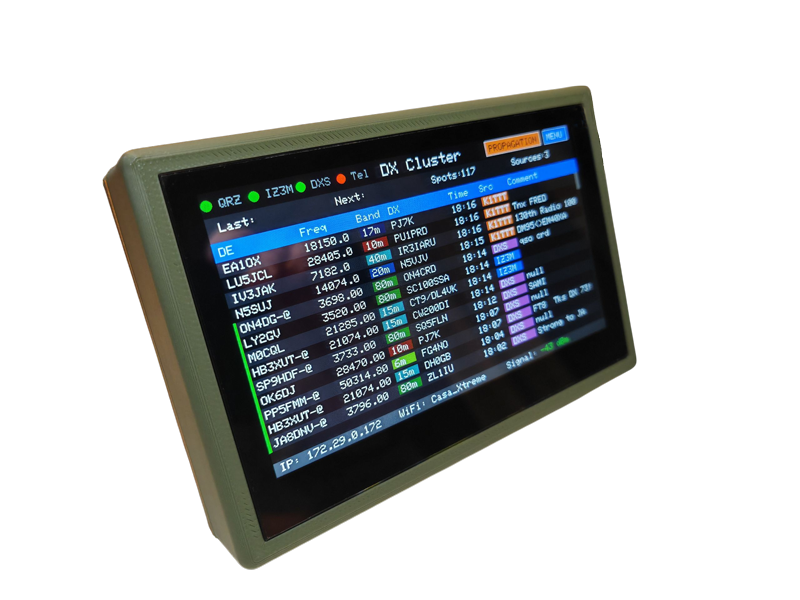
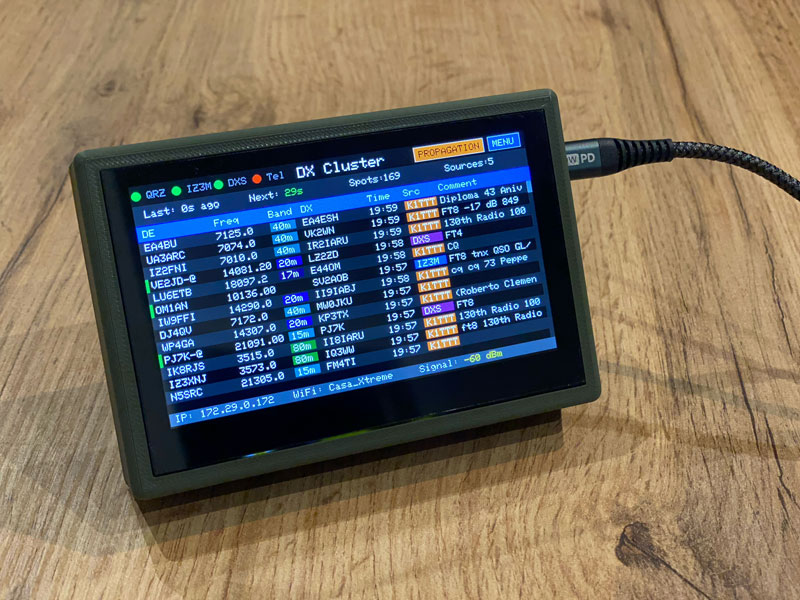
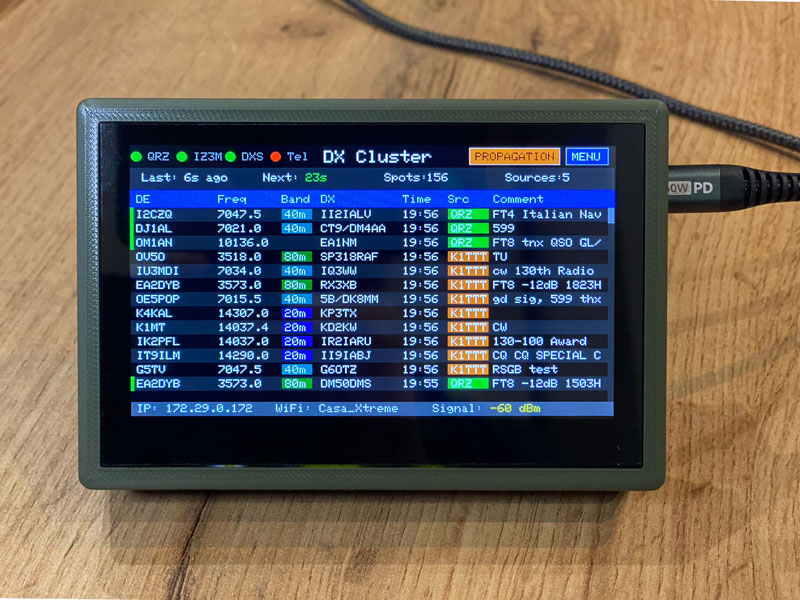
Instant viewing of live Clusters
You can keep track of all the spots in publication order on a single screen!
02.
All the filters you wan
You can activate filters to see only the band you prefer, select or disable uninteresting Clusters, and the spots you view will always be displayable by output time.
03.
Ip Address
Address always visible so you can change settings from your PC at any time.
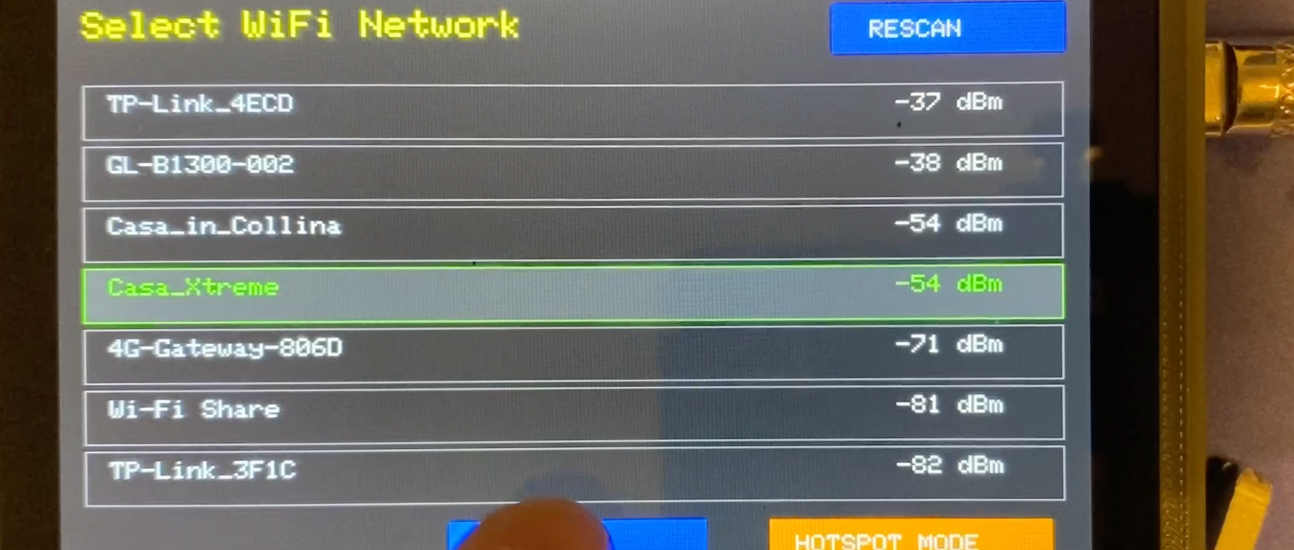
You can configure any Telnet server you want, all via the device interface or web interface, directly on your PC.
05.
View the statistics
You can check how many spots have been imported and their source.
06.
Excellent memory & no duplicated data
Never miss a spot signal, the system verifies whether it has already imported the spot, discarding it if already present, maintaining a maximum of 380 spots, then removing the oldest to update with new ones.
DX CLUSTER
- WEB PAGE -
01.
View & Management via web interface
Through the web interface you can fully manage the device, and you can also turn off the monitor
02.
Ad Hoc filters on every PC
You can use the device’s web interface on up to 3 computers maximum, and filter differently on each one.
03.
Enable and disable sources
You can enable and disable the 3 default sources, where web scraping is performed, (qrz.com, iz3mez.it and dxsummit.fi), or configure up to a maximum of 2 telnet servers.
Here is the second update for your DX-Cluster! These updates have been implemented thanks to your feedback and
New developments in progressWe would like to thank all the visitors for the great appreciation received during the Montichiari Fair on September 20th. Following your requests, we are pleased to announce that the new 'MODE' filter is under development and will be available soon.